There's a newer guide for this. See Find Your Way Around the App. This page stays here for reference.
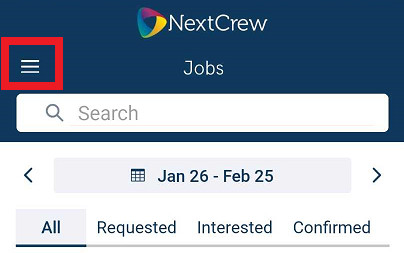
1. Tap on the tri bar
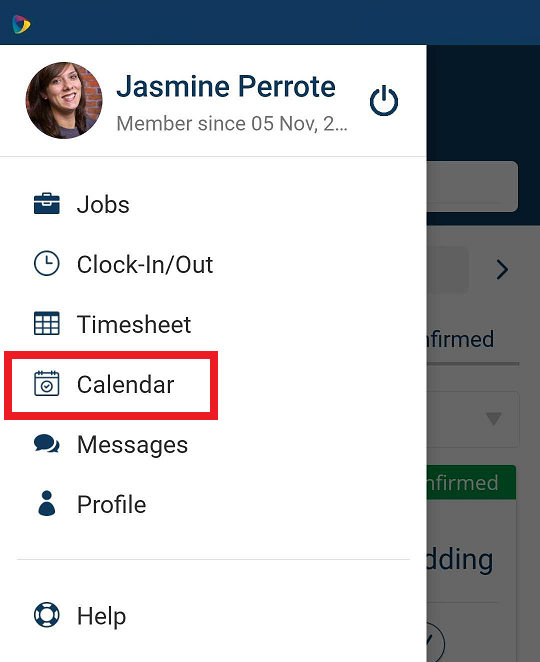
3. Tap on the <-> to select desired month

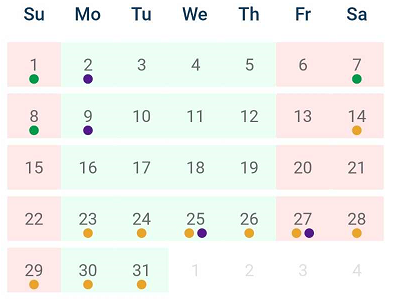
KEY/LEGEND
Green Bullet - CONFIRMED
Gold Bullet - REQUESTED/OFFERED
Purple Bullet - INTERESTED
Red Date Blocks - UNAVAILABILITY
Green Date Blocks - AVAILABILITY
 Scroll down to view each day in a list view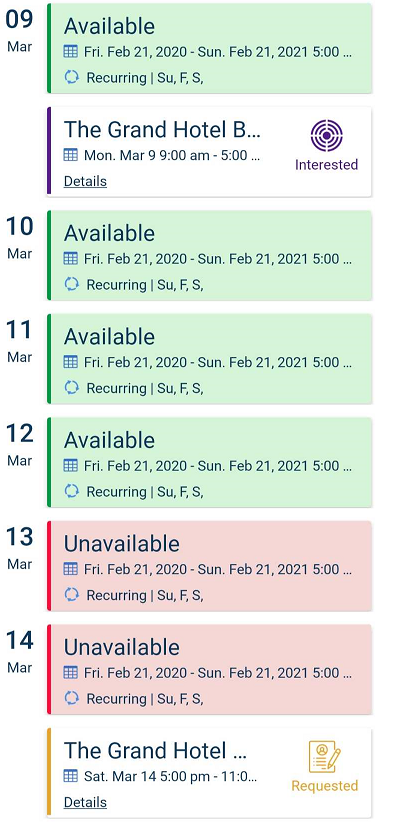
Was this article helpful?
That’s Great!
Thank you for your feedback
Sorry! We couldn't be helpful
Thank you for your feedback
Feedback sent
We appreciate your effort and will try to fix the article