
Navigate to:
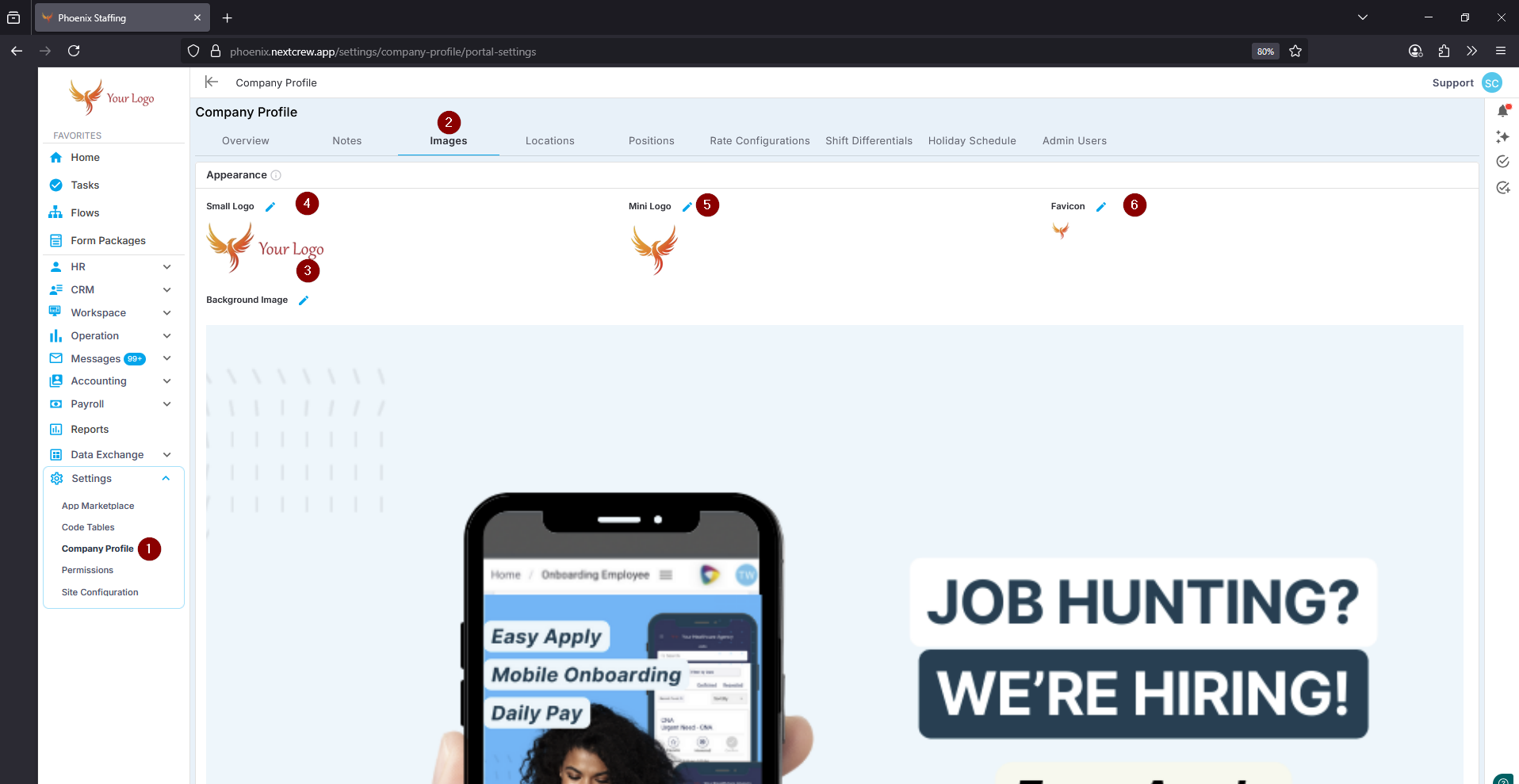
Settings→Company Profile→ImagesUpload Your Images:
Background Image
This image will appear as the background on your landing page, giving it a customized look and feel.Small Logo
This logo is displayed within the menu, helping reinforce your brand throughout the platform.Mini Logo
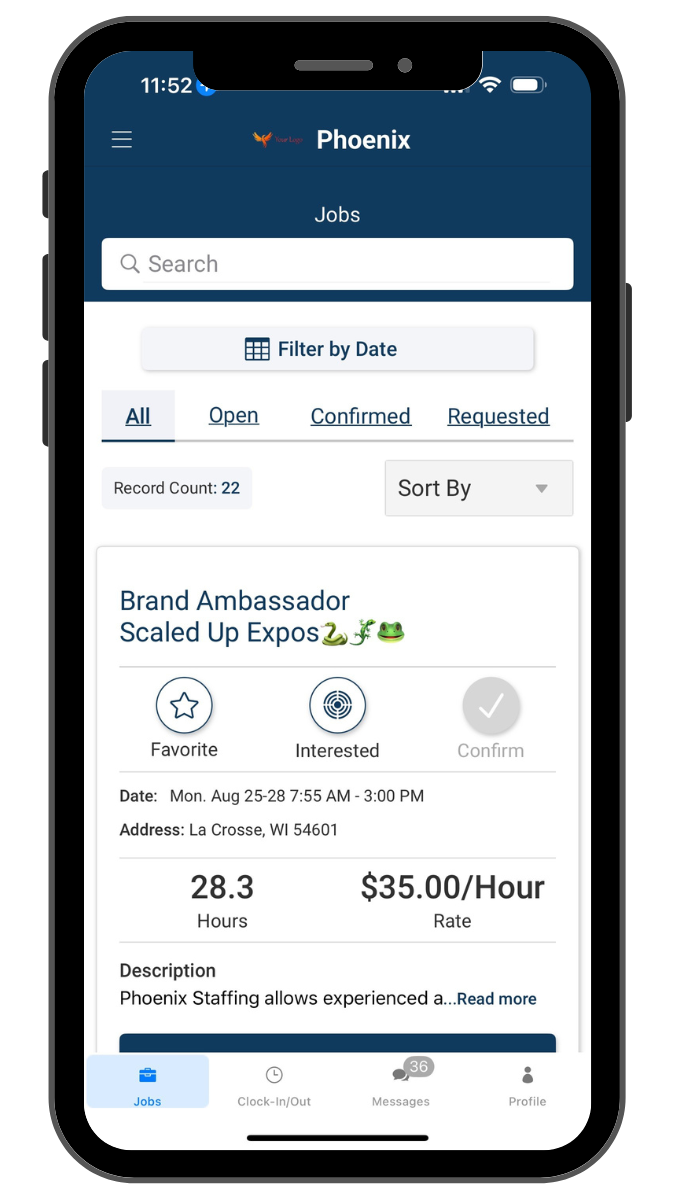
The mini logo is used in email communications, ensuring all emails sent from NextCrew are branded with your company’s logo.
It is also displayed within your mobile app.Favicon
The favicon appears on browser tabs, making it easy for users to identify your site at a glance.
Tip: For best results, use high-quality images that match your company’s branding guidelines.
Was this article helpful?
That’s Great!
Thank you for your feedback
Sorry! We couldn't be helpful
Thank you for your feedback
Feedback sent
We appreciate your effort and will try to fix the article