There's a newer guide for this. See Set Up Your Profile. This page stays here for reference.
1. From any page within app tap on Profile at the bottom of the page

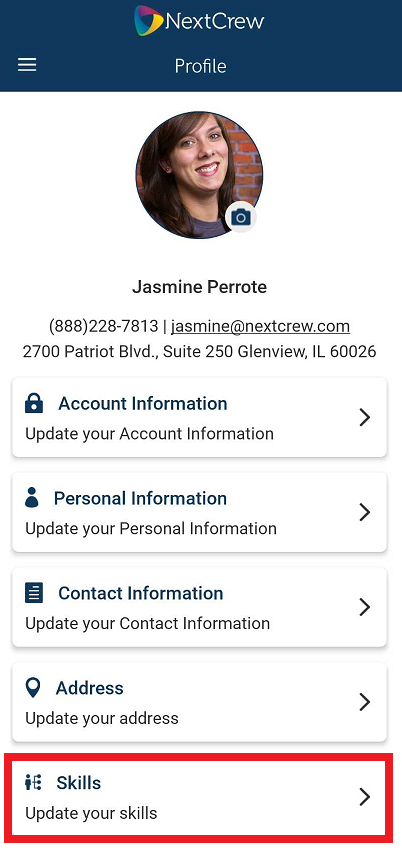
2. Tap on Skills
3. Slide indicator(s) on/off as necessary
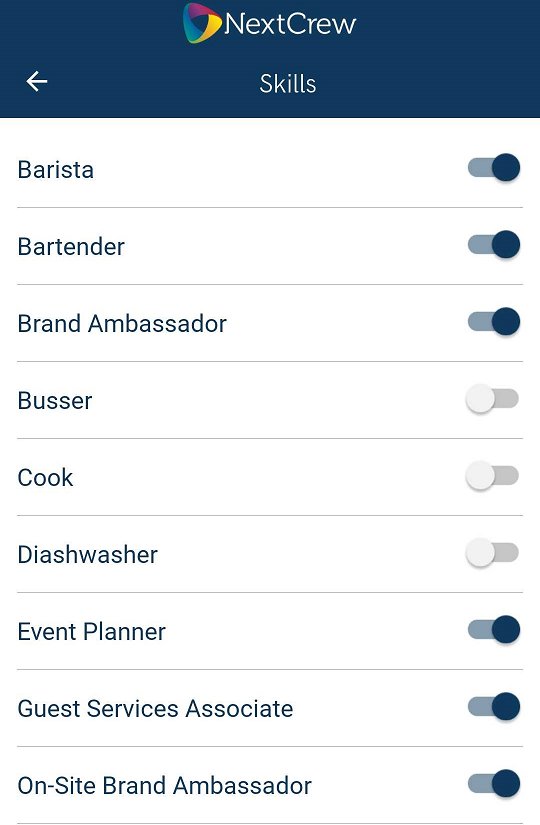
*Please note, if you do not see the skills tab your staffing agency has prohibited the ability to self-manage the skills/positions.
Was this article helpful?
That’s Great!
Thank you for your feedback
Sorry! We couldn't be helpful
Thank you for your feedback
Feedback sent
We appreciate your effort and will try to fix the article