There's a newer guide for this. See Set Up How You Get Paid. This page stays here for reference.
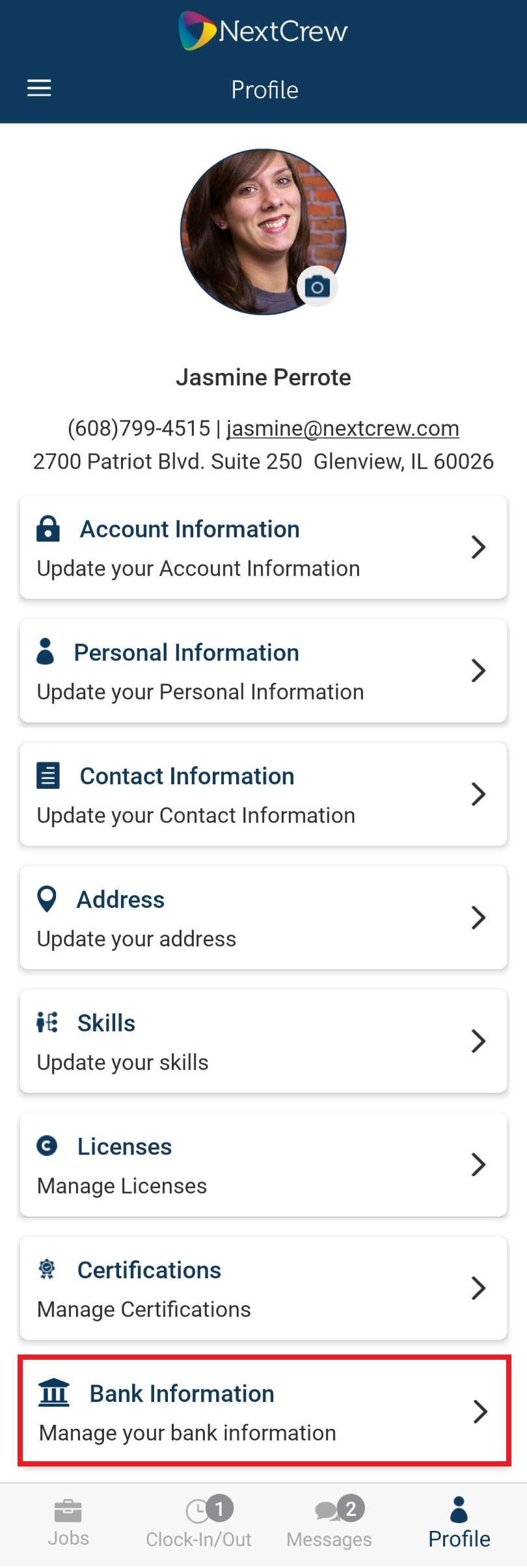
1. From any page within app tap on Profile at the bottom of the page

2. Scroll down (swipe up) then tap on Bank Information
3. Tap in each field to input information
- Account Type
- Bank Name
- Bank Number
- Account Number
- Transit Number
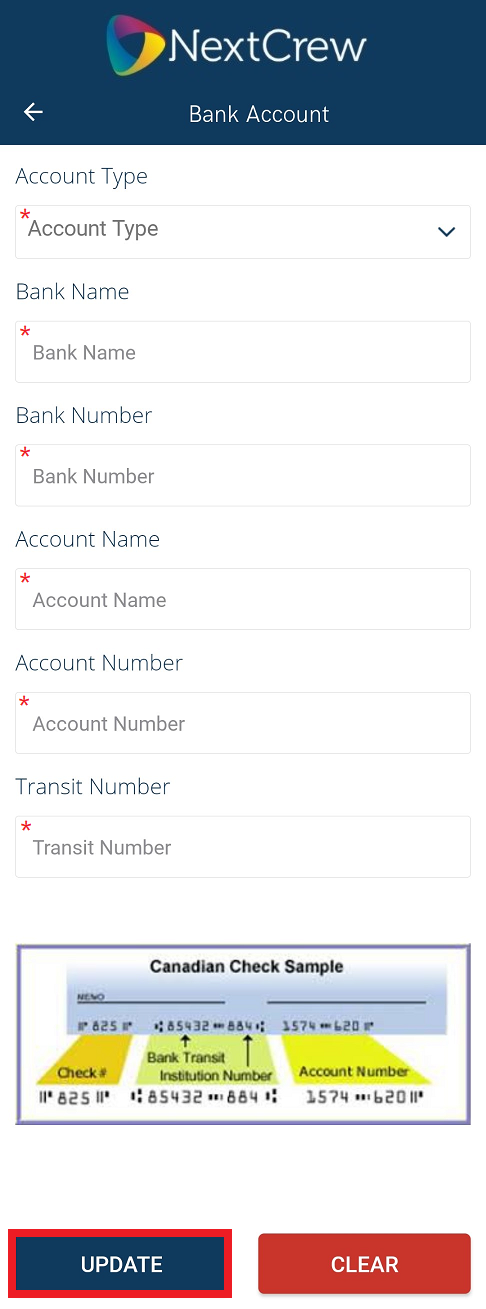 4. Tap UPDATE to save
Was this article helpful?
That’s Great!
Thank you for your feedback
Sorry! We couldn't be helpful
Thank you for your feedback
Feedback sent
We appreciate your effort and will try to fix the article