If you have an account with multiple companies that utilize our application do not worry! You can easily log into multiple accounts and switch between them with ease! If it is your first time logging into a second account follow the below steps:
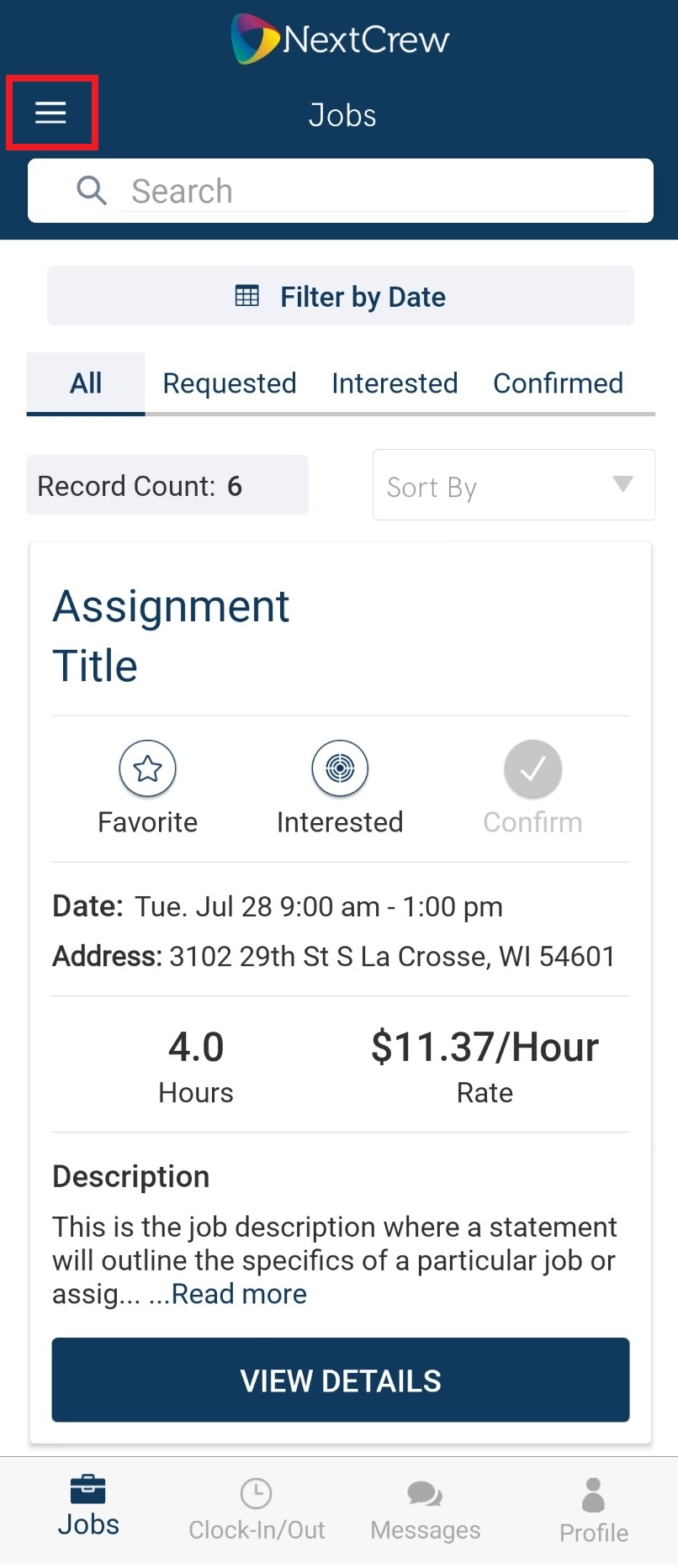
1. Tap on the Tribar
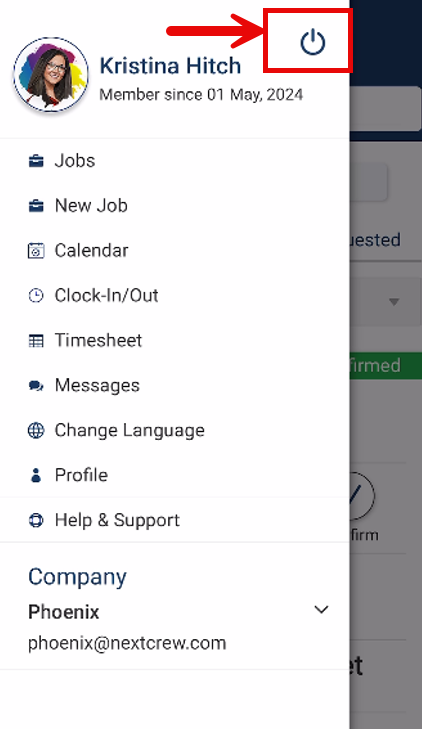
2. Tap on the Power icon to log out of your current account
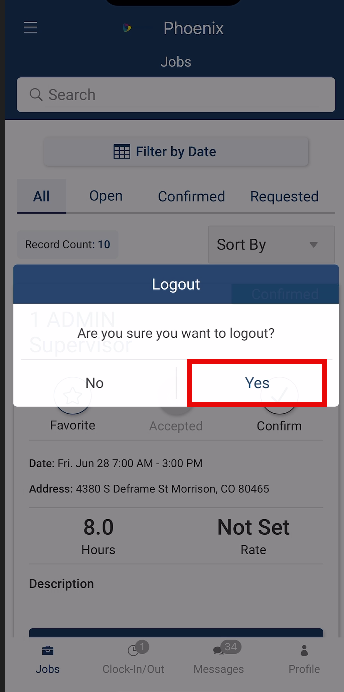
3. Confirm your logout
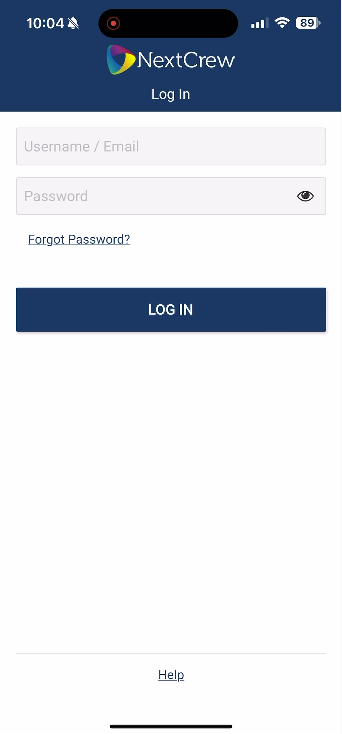
4. Log in with your second account credentials
Once complete you will be logged back into your first account and your second account. You can then switch seamlessly between your accounts with ease by following the steps linked here.
Was this article helpful?
That’s Great!
Thank you for your feedback
Sorry! We couldn't be helpful
Thank you for your feedback
Feedback sent
We appreciate your effort and will try to fix the article