There's a newer guide for this. See Add Your Own Job. This page stays here for reference.
1. Tap the NextCrew icon/badge to open the NextCrew app
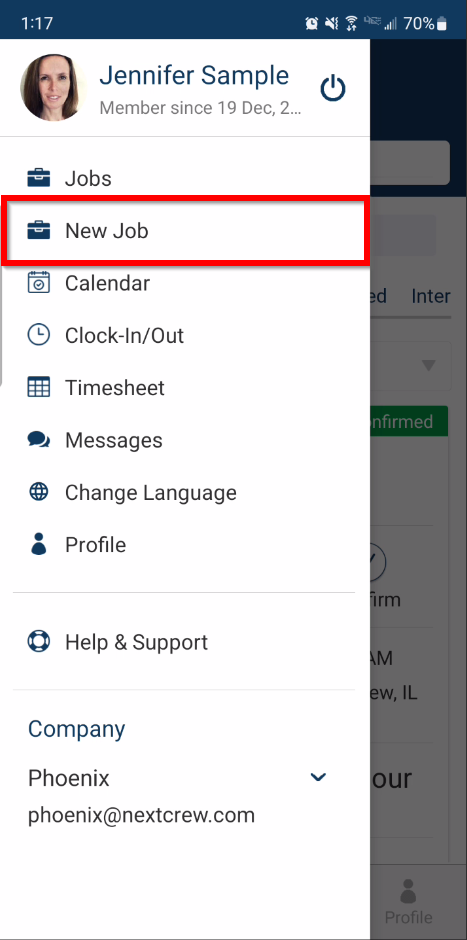
2. Tap on the menu bar in the upper left then select New Job
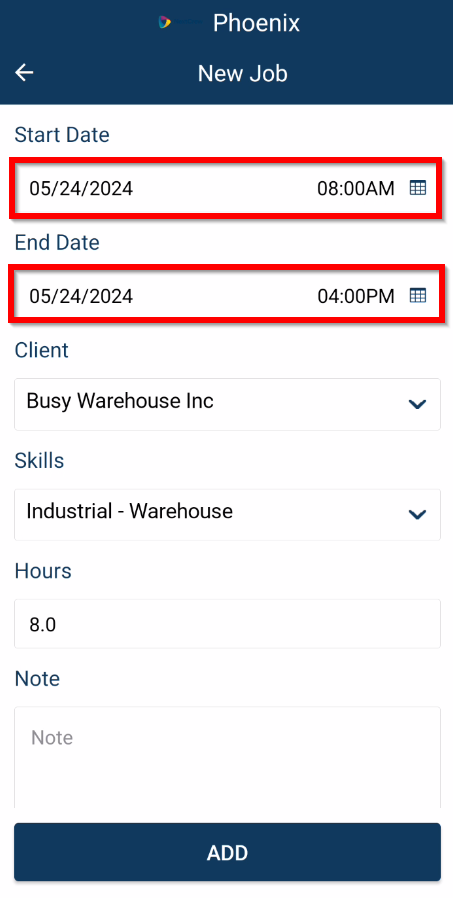
3. Tap on the Start Date/End Date to set the desired start and end time of the future job
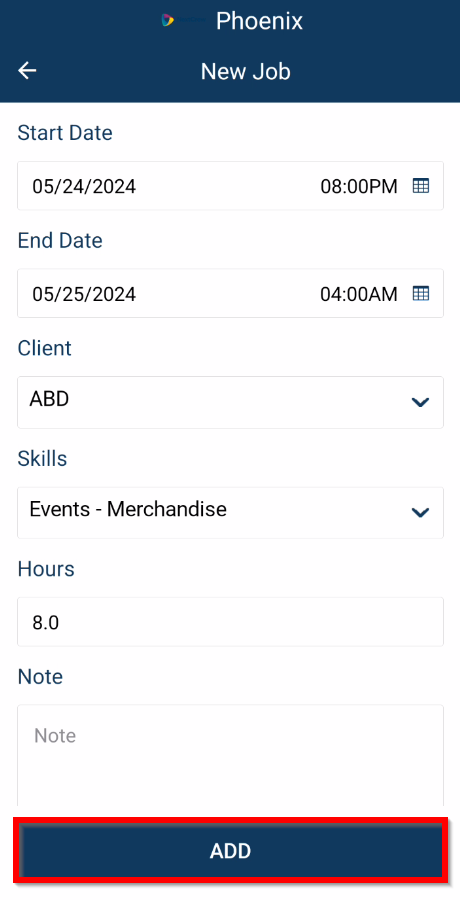
4. Select the desired Client and the Skill then select ADD
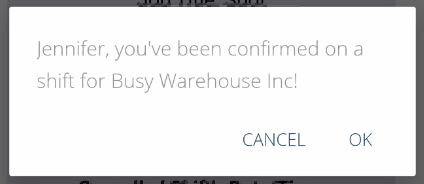
5. You will receive in-app confirmation

Was this article helpful?
That’s Great!
Thank you for your feedback
Sorry! We couldn't be helpful
Thank you for your feedback
Feedback sent
We appreciate your effort and will try to fix the article