There's a newer guide for this. See I'm Not Getting Texts or Emails. This page stays here for reference.
1. From any page within app tap on Profile at the bottom of the page

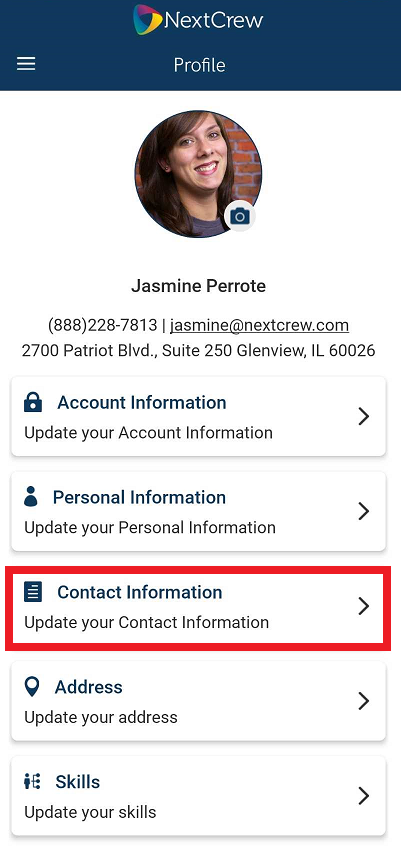
2. Tap on Contact Information
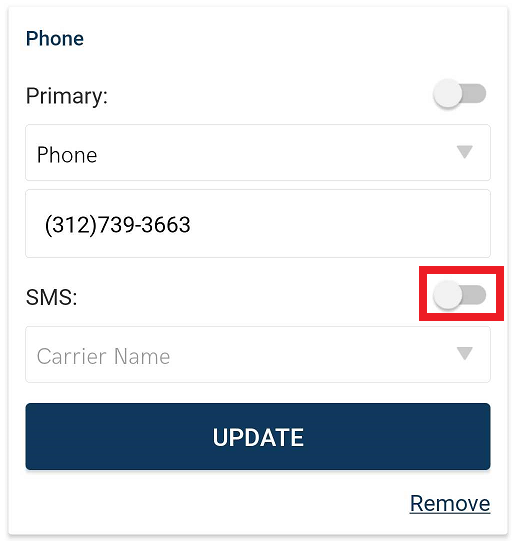
3. In the SMS section slide indicator on
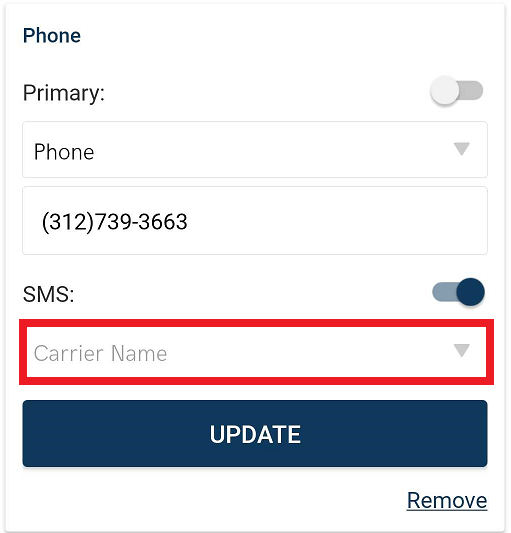
4. Select Carrier from drop down menu
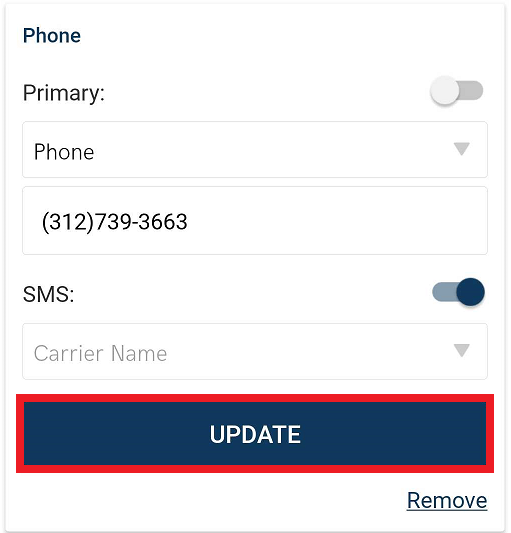
 5. Tap UPDATE to save changes
To Remove email address simply tap on Remove
Please watch the attached video for the full walk through.
Was this article helpful?
That’s Great!
Thank you for your feedback
Sorry! We couldn't be helpful
Thank you for your feedback
Feedback sent
We appreciate your effort and will try to fix the article