There's a newer guide for this. See Check Whether Your Jobs Are Filled. This page stays here for reference.
Being able to search by job title or position is important because it allows you to quickly find specific jobs or roles within the calendar. This feature saves time, helps you stay organized, and ensures you can efficiently track jobs. It simplifies navigation and enhances your overall experience by allowing easy access to the information you need.
1. Navigate to Workspace > Calendar
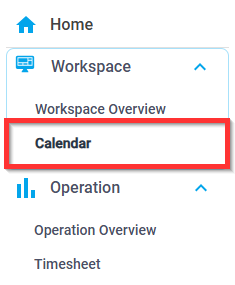 2. In the upper right, you can search by Job Title or Position
 3. Type your search query in the search box
4. Click the magnifying glass icon to search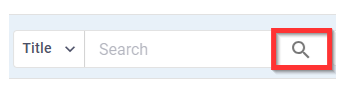
Was this article helpful?
That’s Great!
Thank you for your feedback
Sorry! We couldn't be helpful
Thank you for your feedback
Feedback sent
We appreciate your effort and will try to fix the article